| ★ HARDWARE ★ SOURIS ★ MARCONI RB2 TRACKBALL ★ |
MARCONI RB2 TRACKBALL (Popular Computing Weekly) | MARCONI RB2 TRACKBALL (CPC Amstrad International) |
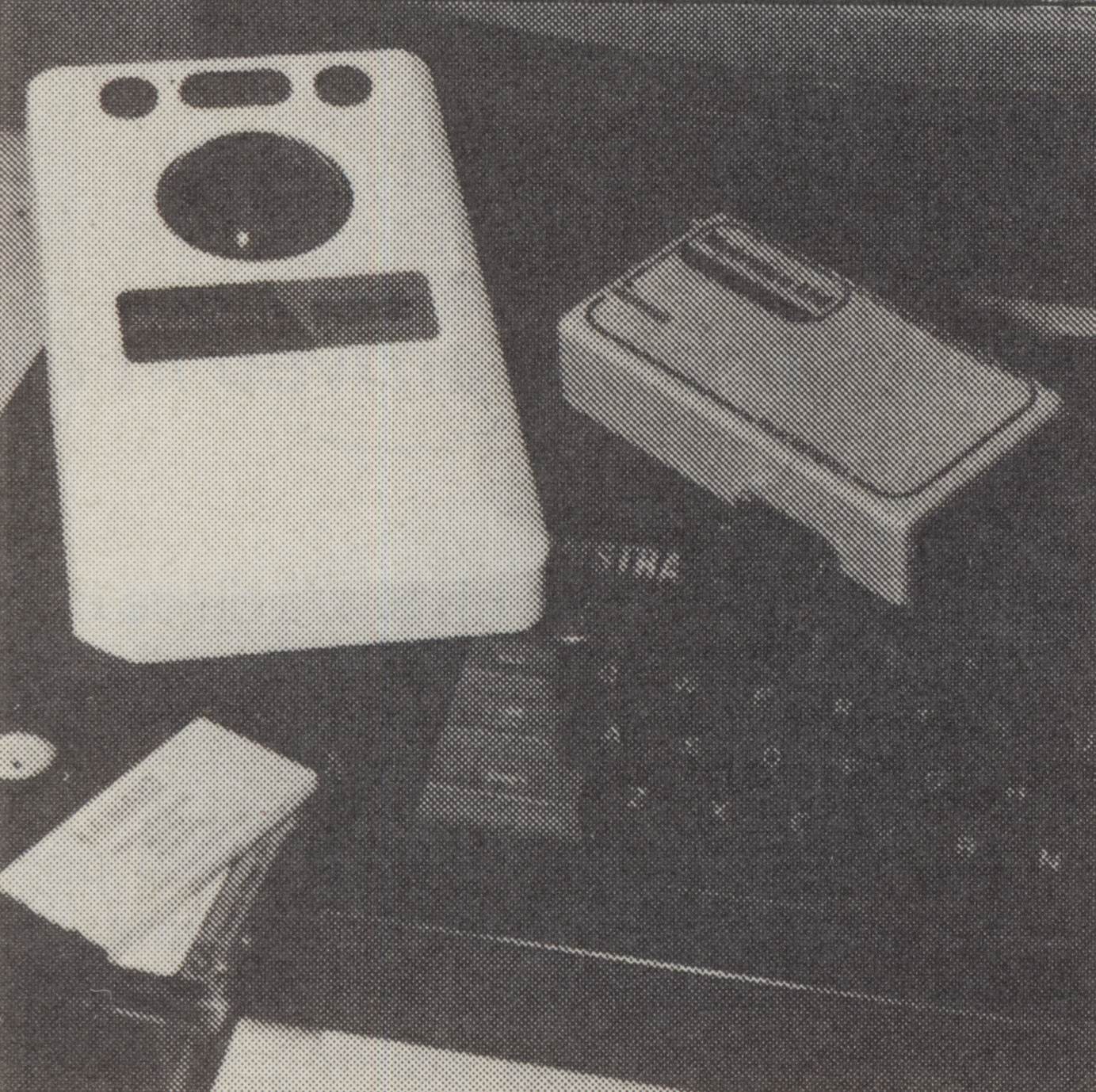
Rolling the ball Chris Jenkins looks at an alternative to the joystick In an effort to overcome the "keyboard barrier" between the computer and its operator, many types of input device have been devised. The most familiar is the joystick, which, on many machines, is limited by being able only to input one of eight directional commands. More useful is the analogue joystick, which actually defines a screen position in terms of X-Y parameters. Then there is the mouse, which, though popular, has its disadvantages -not least the fact that it demands a lot of desk space - so a useful alternative is the trackball. Most familiar to many computer users through arcade games like Missile Command, the trackball in fact has a distinguished history evolving through applications such as radar scanning. The package on offer from Metrotec includes a trackball, the RB2, manufactured by avionics giant Marconi, so you can be sure that the quality of the hardware is high. This is reflected in the price. The RB2 is a unit about the size of a paperback book. It has four non-slip rubber feet and a tilted face. Resting your palm on the lower half, you control the ball itself - which is about 2" in diameter - and the three control buttons above it, with your fingertips. Metrotec has devised an interface for the Amstrad CPCs, which connects the trackball to the Amstrad's joystick port. There's also a follow-on connector for the power supply, so the end result is something of a mess of spaghetti. However, everything works perfectly. The trackball is supplied with two graphics packages on disc; Easiart, an icon-driven drawing program, and a CAD package called Easidraw. Easiart has three control options; trackball, mouse or joystick. The joystick option, apart from allowing only eight-directional movement, is very slow, while using the trackball it operates very quickly. Easiart has a range of menus at the top As with most "mice”, the control buttons on the trackball are used to select, then switch on or off, the various drawing options. On the other program included, Easidraw, the left button is Execute, the centre Move, and the right Cancel. This program is a cut-down CAD routine with a DMP-2000 screen dump facility and a small selection of line, circle and hatching facilities. Overall the RB2 Trackball works excellently, and the software packages provided demonstrate just how much better it is than a joystick for graphics applications. Although the price is quite justified in view of the quality of the hardware, it may deter many potential purchasers, which will be a great pity. PCW |
|  |
|
Page créée en 685 millisecondes et consultée 2060 fois L'Amstrad CPC est une machine 8 bits à base d'un Z80 à 4MHz. Le premier de la gamme fut le CPC 464 en 1984, équipé d'un lecteur de cassettes intégré il se plaçait en concurrent du Commodore C64 beaucoup plus compliqué à utiliser et plus cher. Ce fut un réel succès et sorti cette même années le CPC 664 équipé d'un lecteur de disquettes trois pouces intégré. Sa vie fut de courte durée puisqu'en 1985 il fut remplacé par le CPC 6128 qui était plus compact, plus soigné et surtout qui avait 128Ko de RAM au lieu de 64Ko. |