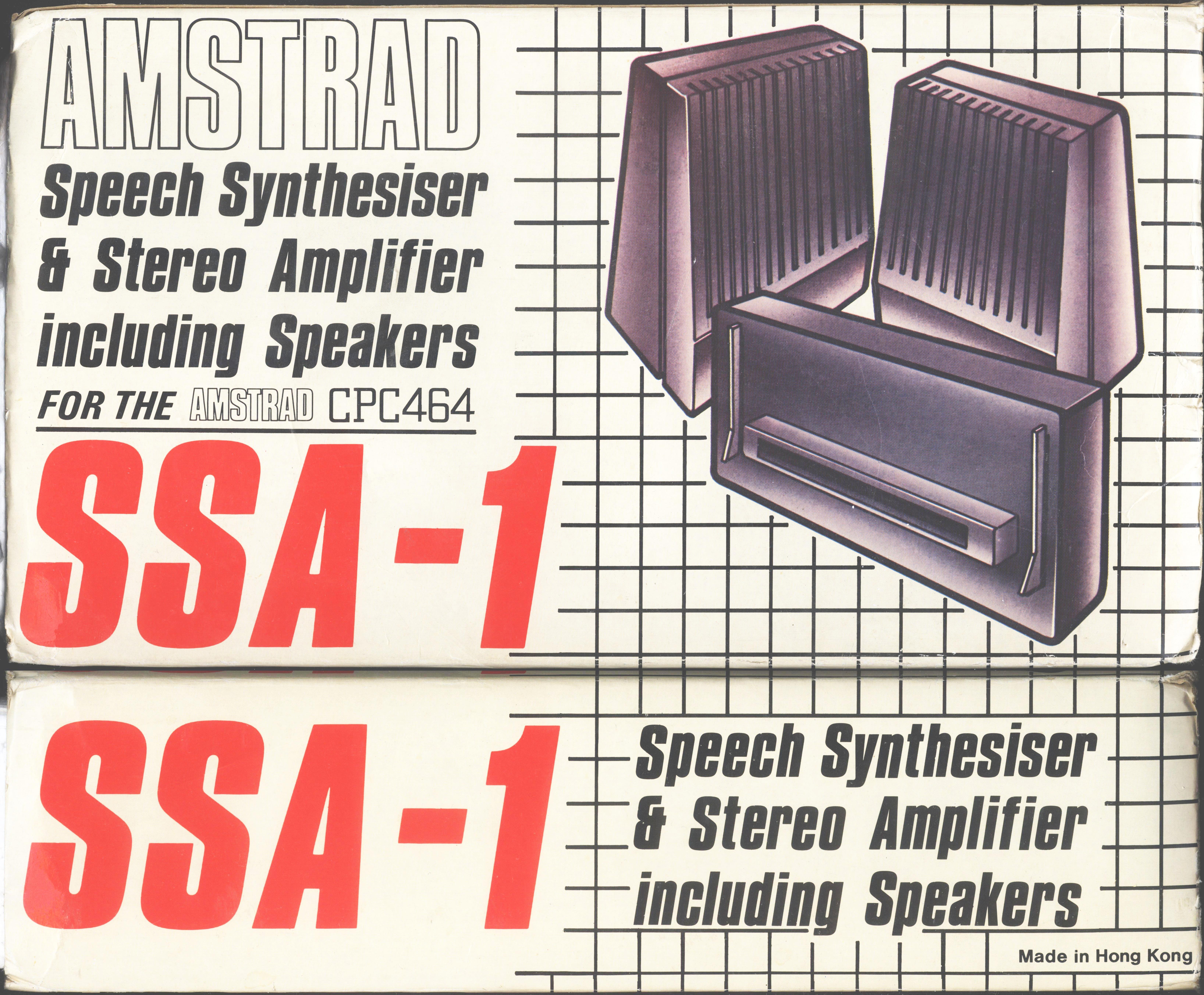
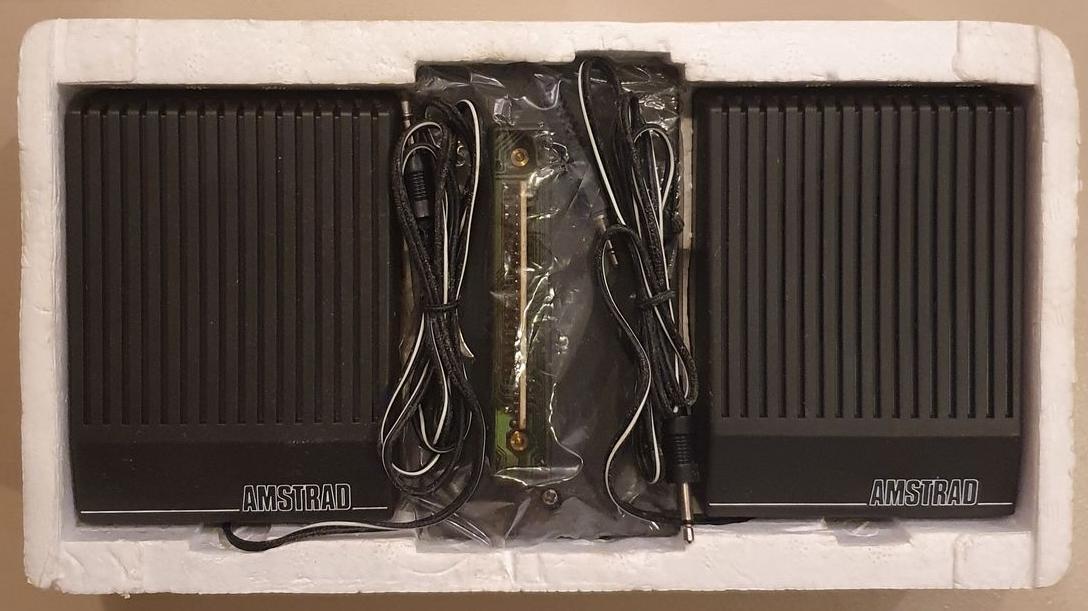
Voice control with dk'tronlcs' speech synthesizer Amstrad Speech Synthesiser Providing your computer with a voice, this exciting hardware from dk'tronics includes a full stereo sound system, complete with amplifier and twin four-inch speakers.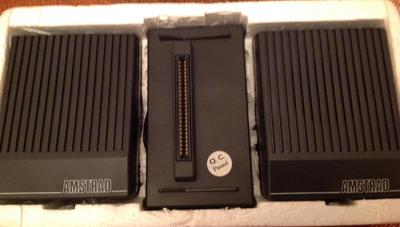 The speech synthesizer interfaces with the console through the floppy disc port. From here a short lead connects to the stereo output socket found next to the joystick port. Accompanying the hardware is 4K of software, the driving force behind three of the four modes in which the speech chip can accessed. The main ROM chip is the SP0256 speech chip, which is loaded with 59 discrete speech sounds called allophones, and five pauses of varying length. Each spoken word is assembled from a combination of these phones. Mode 1, the direct mode, is used digitally, without the software provided. Unique to each allophone is a one- or two- digit denary number. These are listed in the handbook provided with the speech synthesizer. Passed to the speech chip location in the I/O memory map as data, these values kick each allophone into the speech buffer for outputting as spoken words. Simple messages like 'Press enter to start' could be programmed in this way. It could prove useful to assemble a library of frequently used messages and prompts, listing all the appropriate allophone codes. Perhaps the main advantage of this method is that no alteration to HIMEN is needed, as is the case in all the other modes. Thinking of programs written by you which include some machine code routines, you may want to add speech; using this direct mode may well save considerable editing of the memory locations used in the host program. Mode 2: using the |FEED command still requires the allophones to be accessed digitally. The bar, |, can be found on the shifted @ key.
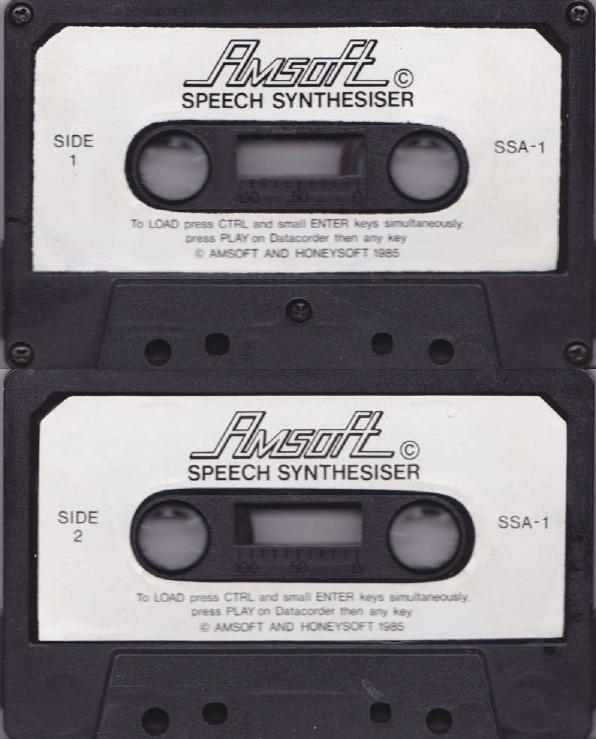
Firstly, load the software which is provided on cassette. The |FEED command is followed by your chosen allophone codes which will be output as speech as soon as the program reaches the line containing this command. There is a restriction here in that the IFEED command is limited to a maximum of 30 parameters. It is recommended that this mode is more appropriate to generating sound effects: doublcss it will be the subject of a great deal of deafening stereophonic experimentation. Mode 3 is the text to speech converter. Herein lies the heart of the system. With the software loaded and using the command words provided in the speech chip, you are able to convert written words directly into speech, without recourse to the cumbersome allophone codes. The following example demonstrates the simplicity of the syntax used in this mode. 20 PRINT “/Home Computing Weekly”On reaching this program line the speech chip will say whatever is within the quotes. That's all there is to it!Notice the short diagonal line next to the usual quotation marks. This is typed by holding down the right hand shift key and pressing the key immediately to the left of it. Try it now. Even without the speech synthesizer you should be able to print it to screen. This is all the syntax involved in directing your PRINT commands to the speech chip instead of to the screen. Of course the appropriate command words have to be incorporated in your program. This is all explained in detail within the handbook, and presents no problems. The text buffer holds 100 characters, consequently quite long strings of dialogue can be held in data, and these can be read individually or sequentially allowing whole phrases to be output as speech. Not having
any limitations on the number of data statements allows for whole pages of Shakespeare or Spillane to be voiced at one go. Mode 4: using printing mode command words, all outputs to the screen can be voiced at the same time. Your program listings can be read back, helping to trap those typing errors. Even the screen messages are heard as well as being printed to the screen in the usual way. I nearly jumped out of my pram the first time I was told ‘Ready'!! Those then are the four modes within which the speech synthesizer is operated. The eight command words all prefixed by the I sign allow easy control of all the functions, one of which is a speech speed control with 16 different values. Although Dalek-like in intonation, careful experimentation with ‘fonetik sspelling' clarifies most of the output until the words reach an acceptable standard. The challenge is in finding and remembering the best format to overcome some of the vagaries of our beautiful language. A complete English word store requires some five megabytes of storage, making it impractical on home micros (this year anyway). As though all this weren't good value for money, which it most certainly is, dk'tronics has built into the speech interface a
stereo amplifier. Don't ask me why your music system requires one the size of a paving-stone — best ask Amstrad! Price: £39.95
Manufacturer: dk'tronics HCW |