| ★ APPLICATIONS ★ BUREAUTIQUE ★ WRITE-HAND-MAN ★ |
WRITE-HAND-MAN (Amstrad Action) | WRITE-HAND-MAN (Popular Computing Weekly) | WRITE-HAND-MAN (CPC Amstrad International) |
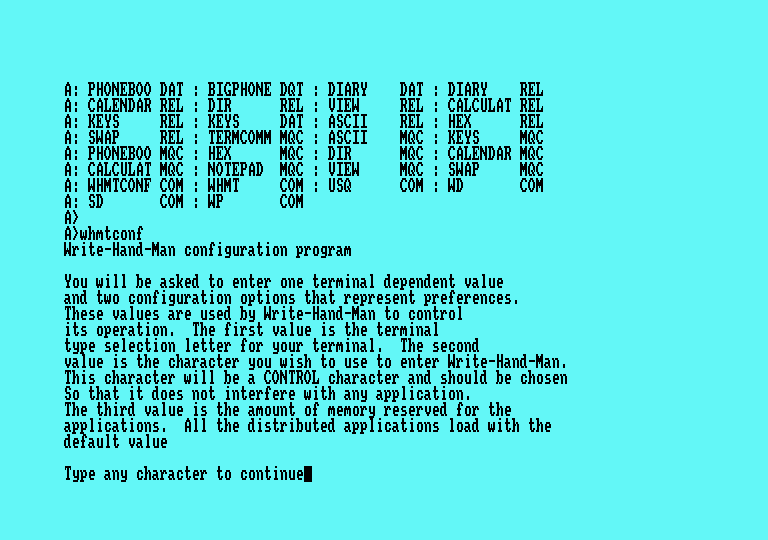
Ambidextrous Arnold Call up a handy notepad or phonebook in mid-job and other CP/M utilities When you're in the middle of using a wordprocessor and you need to look up a phone number, you can either hunt for your directory or maybe exit from the program and search a database. It would be nice to have trivia constantly available. This is what WHM does. WHM, which runs best under CP/M Plus but also under CP/M 2.2. is installed on your working disk (preferably on your second disk if you have two drives) and is switched on by the command WHMT ON. WHM is loaded into a high memory address, and waits until you press Control with ']'. When you do - say from inside another program - WHM prints a little menu in the screen corner. When you finish, the screen is restored to what it was before. Or at least, nearly what it was. Occasionally the screen may be slightly corrupted. It is not a serious problem, but it happens. It shouldn't make much difference to your programs. These are the utilities WHM supplies:
AMSTRAD ACTION #16 |
|  |