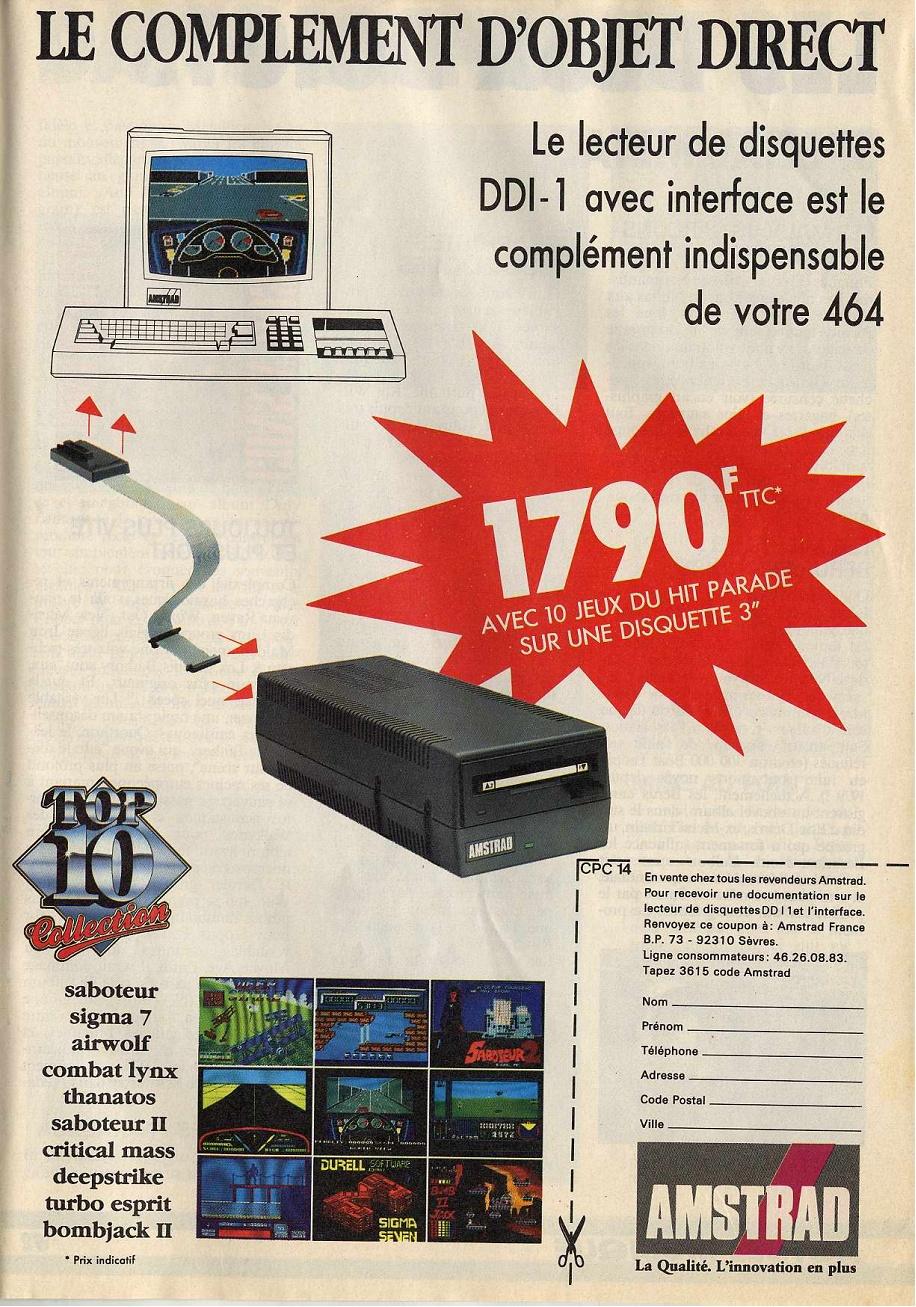
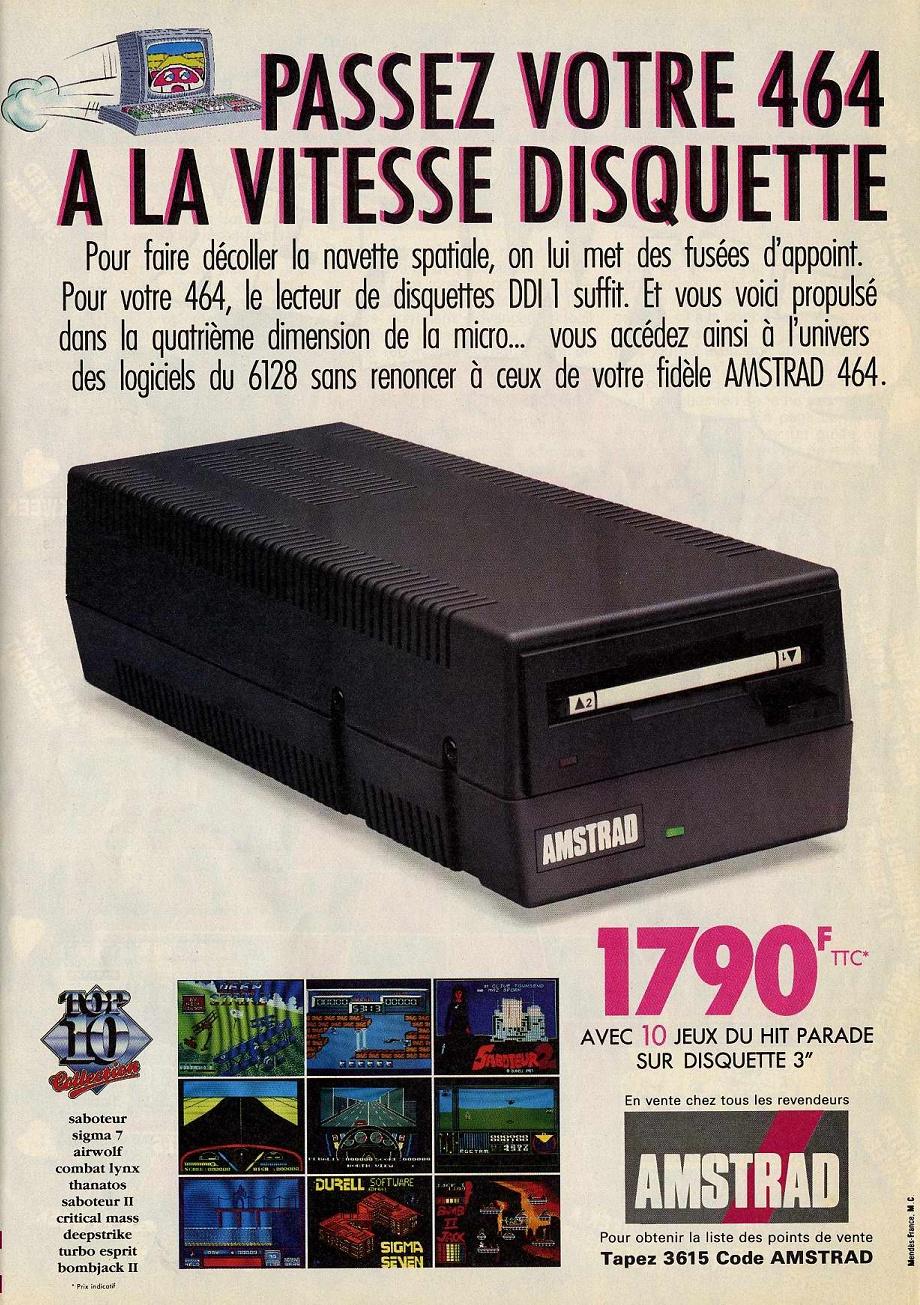
Even if you've never used a disc drive, you'll be able to follow David Holme's rave review As the vast majority of home computer owners have never used a disc system, this review is couched in simple terms, being specifically aimed at this enormous market potential. Amstrad Disc Drive and Interface DDI-1 In appearance, the DDI-1 is a grey box matching the other Amstrad hardware. Somewhat smaller than expected, but nevertheless, a proper power pack. 
As a means of storing programs and data — called files — it can be likened to a cassette tape recorder. However the similarity ends there. So fast is the response to your RUN command, that the first time it is difficult to believe that the program has actually loaded. Programs over which the Datacordcr took nearly 10 minutes are now only a few seconds away. There's 180K of storage space on each side of the disc which provides almost instantaneous access to a considerable library of programs. Along with the DDI-1 is a CP/M master system disc, on the obverse side of which is the Logo language program. A comprehensive handbook is also included. In the excitement of actually having the disc drive alongside the computer, you will be tempted to POKE around. Don't do it! The instruction book is vital reading; some considerable time must be spent going through it slowly and carefully. Only then can your considerable investment be fully realised. The three-inch floppy discs are an unusual size and consequently may not yet be on sale in your high street shops. So remember to order at least two blanks when you order the DDI-1. I am prompted to suggest that Amstrad purposely doesn't include any blank discs so that you are forced to read the handbook thoroughly whilst waiting. Amsdos is the resident disc operating system. On switching on the disc drive, there are several additional Amsdos command words activated, along with the ordinary BASIC commands. These enable instructions to be passed to the disc drive from the keyboard. Loading CP/M gives full access to the numerous commands and routines, allowing you to maximise on the advantages of your disc system. The instruction manual explains CP/M at some length. Further advancement can be gained from Soft 159 — A Guide to CP/M, available from Amsoft. So that is the Amstrad disc drive. A well constructed electronic data store which will delight you with its performance. HCW |