| ★ APPLICATIONS ★ CREATION GRAPHIQUE ★ CHERRY PAINT ★ |
| CHERRY PAINT (Hebdogiciel) | CHERRY PAINT (Amstrad Computer User) | CHERRY PAINT (Amstrad Action) | CHERRY PAINT (CPC Amstrad International) |
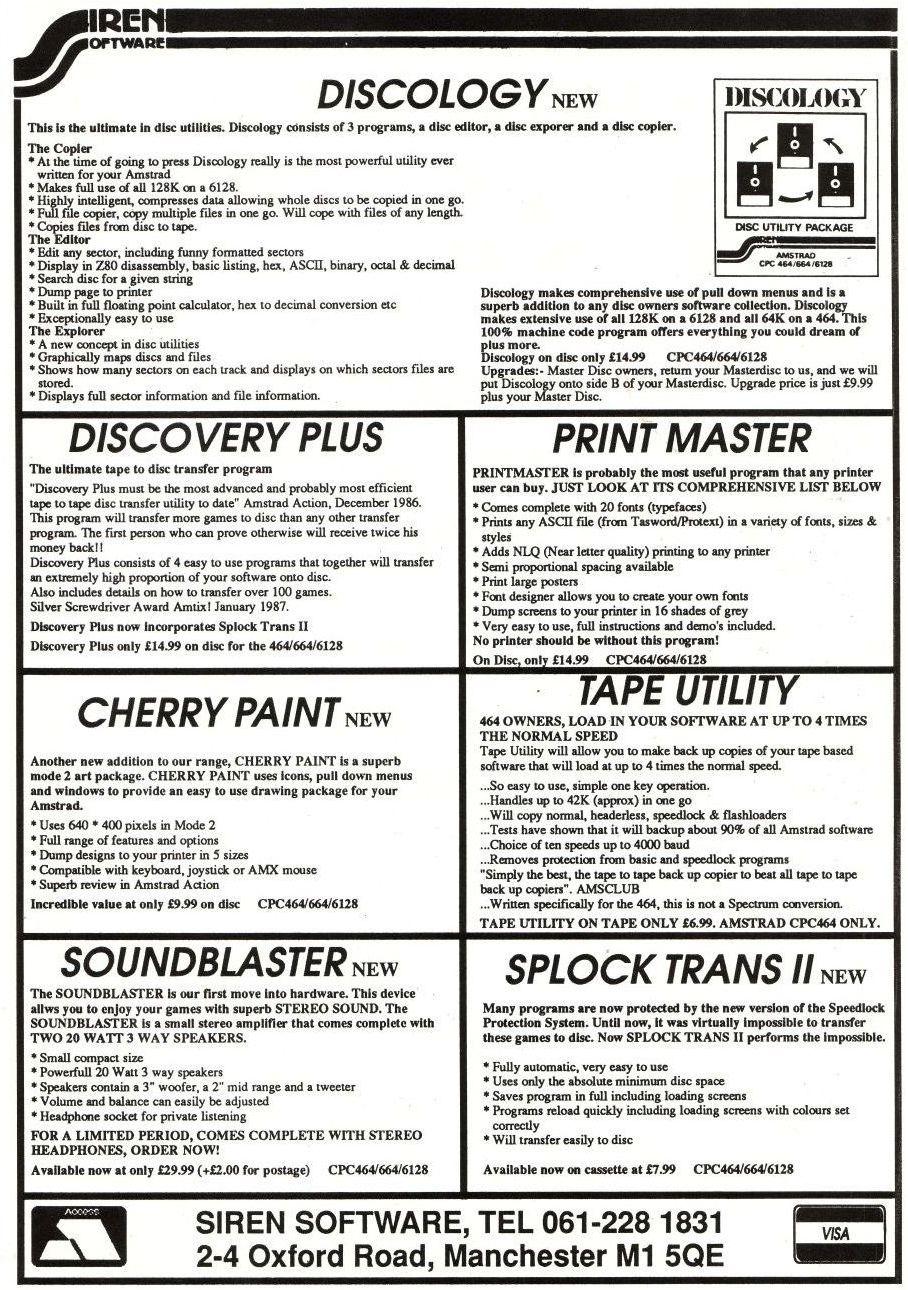
Dip into the black Jill Lawson, Mode l's Monet, experiments with the single colour limitations of Mode 2 by using Cherry Paint AT the recent Amstrad Show I persuaded those nice people on the Siren software stand to let me try out their Cherry Paint drawing package. This is a low cost utility which is designed to work on any of the CPC computers, using only the hi-res, black and white mode. CPC 464 owners will however, need to have a disc drive, since the program is not available on tape. Included with the disc is a screen plan with pointers to the pull-down menus which occupy the top line, function and size icons and line widths which form a panel to the left of the drawing area; and a selection of 40 pattern icons at the foot of the screen. A flimsy single 3in x 7in sheet bears concise instructions for loading, operation, and configuration of the program for use with keyboard, joystick or AMX mouse, and for dumping files to a DMP 2000 or Epson-compatible printer. There are three demonstration pictures on the disc. On loading up the background is white, the cursor assumes the shape of a pencil, and the appropriate icon is inverted to indicate that you are in draw mode. You may sketch freehand points and lines in black. Lines can be drawn in a choice of four widths. There is a one-size spraycan and six brushes large and small squares and spots, and oddly, a short horizontal line and one diagonal line. Colour of sorts By selecting the spraycan, brush or line-drawing icon along with one of the available patterns, texture can be applied in spray, brush-stroke or single line form. Here the apparent anomaly of applying a paint label to a program which operates only in black and white is to some extent explained, since other programs tend to work on the principle of outlining a shape, then filling it, while Cherry Paint has no fill command, but encourages you to apply the pattern directly to the drawing. Happily an undo function allows you to correct errors easily. I missed having a fill for large areas, and for the little twiddly bits where the available brush shapes didn't quite fit, but this was not too great a problem as there is a very nice zoom facility which enables single pixel plot/unplot on a toggle principle within a moveable magnify window, allowing you to see the effect, simultaneously, on the main drawing. There is also an erase option, but this is largely superfluous, since you can choose to paint with a white brush.
Restricted view only Because a considerable area of the screen is utilised for icons, the whole drawing area is not available at any given time, but, with the hand icon it can be "pushed around" at will, and View Page permits a reduced view of the complete picture. This is adequate for most purposes to gauge the general layout. It falls down on definition where there are several different dark stipples used, as these all come up black, and there is no alternative way to view the whole area apart from printing it out, or loading it into an art utility which does permit a view of the whole screen. It was disappointing too, that there is no way to define your own patterns. In the house picture, I was not satisfied with the roof tile pattern, feeling that the roof should be darker, and found that adding alternate vertical lines in black and white to achieve the desired effect was slow and tedious. Boxes may be drawn either in outline only, with a varied thickness of line; outlined, and filled with a pattern; or in a pattern only, with no outline. Rather surprisingly there is no circle command. The dotted box enables you to select an area of the drawing which may subsequently be cut/ pasted, copied/pasted, deleted, inverted or mirrored horizontally and vertically. This was the only section where I thought the instructions were not completely clear, and it might be wise to save your drawing before experimenting. Text may be added, and although the font menu has only one option, four choices each of size and style give some variation. Disc management The file menu is straightforward, with the ability to save, load, delete or catalogue files. It supports the use of a second disc drive and includes formatting a new disc. This menu also allows the screen to be cleared to the current pattern. Format does require confirmation (Oui or Non -this is a French program) but New page should be used with care, as it acts instantly on selection, and cannot be undone. All in all, despite a slightly unfinished feel, this utility incorporates many of the sophisticated facilities associated with much more expensive art packages. Within the limitations of disc-only, single mode, black and white operation, you get a lot of very useful features for producing good quality hi-res monochrome illustrations, and this program must have particular appeal to owners of the earlier cpcs without a memory expansion. At such a low price it has to be fair value for money. |
|  |
|
Page créée en 155 millisecondes et consultée 7707 fois L'Amstrad CPC est une machine 8 bits à base d'un Z80 à 4MHz. Le premier de la gamme fut le CPC 464 en 1984, équipé d'un lecteur de cassettes intégré il se plaçait en concurrent du Commodore C64 beaucoup plus compliqué à utiliser et plus cher. Ce fut un réel succès et sorti cette même années le CPC 664 équipé d'un lecteur de disquettes trois pouces intégré. Sa vie fut de courte durée puisqu'en 1985 il fut remplacé par le CPC 6128 qui était plus compact, plus soigné et surtout qui avait 128Ko de RAM au lieu de 64Ko. |